
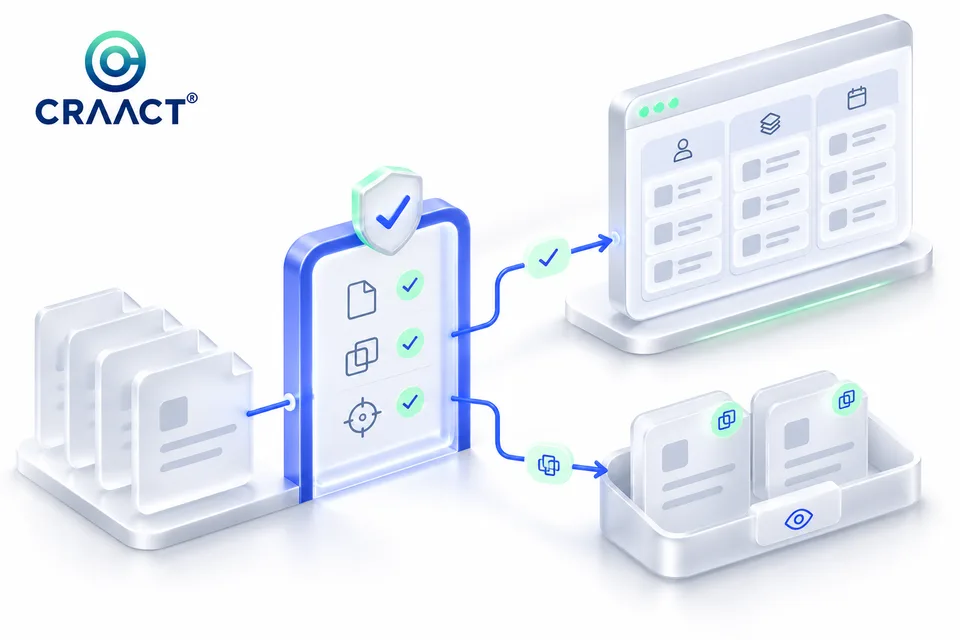
A CRM import is not finished when a progress bar reaches the end. It is finished when the right people can find the right records, understand who owns the next action and trust the information they are about to change. Before moving a spreadsheet or another system into Zoho CRM, define what the records mean and how you will decide whether the result is acceptable.
This guide is a practical discovery and acceptance framework. It does not assume a particular subscription, volume of records or migration tool. Product behaviour varies with the module, configuration and supported import route, so verify the relevant Zoho documentation and test with a controlled sample.
1. Define the decision before preparing the file
Start with the business process rather than the column list. Is the team importing new prospects, bringing across existing customers, updating account information or moving open opportunities? Those tasks may require different relationships, owners and rules. Combining them into one file can make a seemingly simple upload difficult to reconcile.
Write a short import contract: the source system, target module, responsible administrator, intended record behaviour and the person who can approve exceptions. Add what will remain out of scope. For example, transferring contact fields is not the same as preserving email history, attachments, consent evidence or all historical associations. Decide which of those are required instead of discovering the difference after launch.
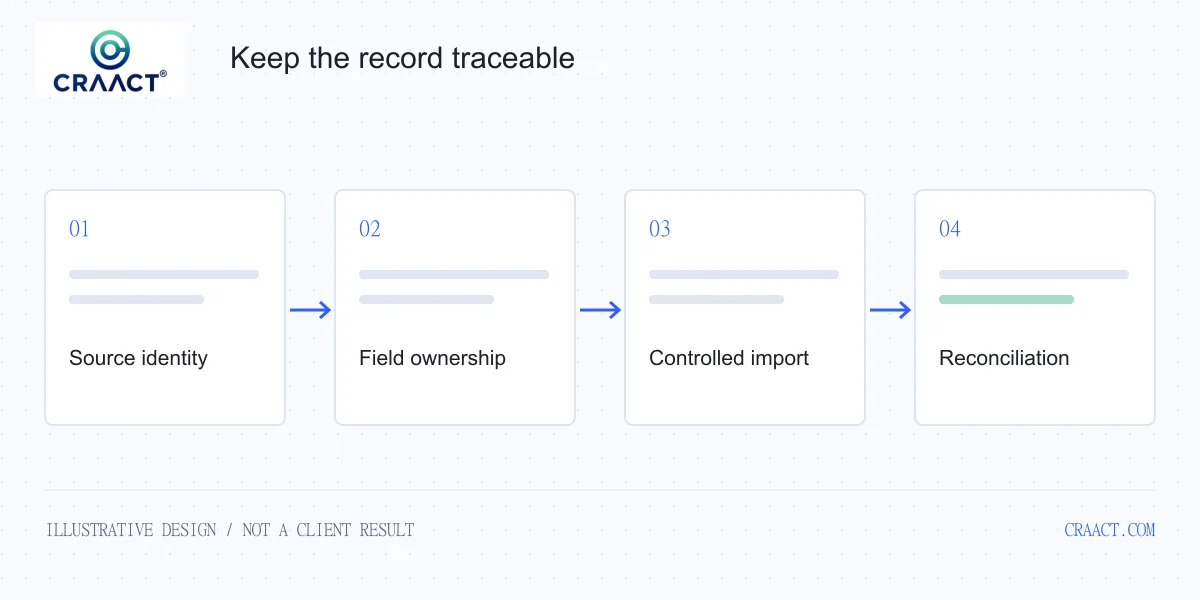
2. Choose an identity that survives the journey
A row number is useful inside a spreadsheet, but it is a weak identity once files are sorted or combined. Where the source provides a stable record identifier, retain a controlled mapping between that identifier and the destination record. Treat the mapping as part of the migration evidence rather than a temporary convenience.
Decide what should happen when two rows appear to refer to the same person. Shared inboxes, changed email addresses, subsidiaries and recycled phone numbers make this a business decision as well as a technical one. A useful match rule needs an exception path. It should not silently merge ambiguous records simply because two values look similar.
Zoho distinguishes duplicate handling through its import and API capabilities. Its V8 upsert API can update a matching record or insert a new one using configured duplicate-check fields. That is a platform mechanism, not a complete migration policy. The team still needs to agree the matching fields, permitted changes and handling of conflicts.
3. Review the fields that influence behaviour
Not every column deserves equal attention. A misspelled display label may be inconvenient; an incorrect owner, lifecycle value or relationship can change what the team does next. Identify which fields influence assignments, permissions, routing, reporting or communications. Put those fields through a deliberate review before treating the file as ready.
| Field group | Question to resolve | Evidence to retain |
|---|---|---|
| Record identity | How will an existing record be recognised? | Source-to-destination mapping and ambiguous matches. |
| Ownership | Who may receive or change the record? | Approved owner mapping and fallback responsibility. |
| Business state | What does this status mean in the new process? | Agreed state definitions and reviewed exceptions. |
| Permissions and consent | What processing or communication is actually permitted? | Applicable evidence and restrictions, separately reviewed. |
| Relationships | Which account, opportunity or other record belongs with this row? | Relationship checks and unresolved references. |
Check the target layout and mandatory fields before preparing the final mapping. Zoho's import guidance explains that missing mandatory values can prevent records from being imported. A sensible response is to resolve the missing information or keep the record in a review queue, rather than inventing values just to make the upload succeed.
4. Agree what an empty value means
An empty source field can mean unknown, deliberately cleared, unavailable in this export or not relevant. Those meanings should not automatically produce the same update. If a source file is intended only to add a reference code, it should not erase a carefully maintained phone number because that column was left blank.
Zoho documents an option to skip updating empty values in relevant import flows. Confirm the behaviour of the selected route and configuration before relying on it. Then test the important variations: absent columns, empty cells, whitespace-only values and an intentional request to clear a field. Record the expected result for each test.
5. Use a sample that includes difficult cases
A sample containing only complete new contacts tests the easiest part of the process. Build a small representative set that includes an existing contact, a plausible duplicate, an incomplete record, an invalid owner, an account relationship and an update that should leave other fields unchanged. Include non-ASCII names or date formats when those are part of the actual source.
Use synthetic examples or appropriately authorised test data. Review the environment's access and retention arrangements, and avoid sharing sensitive exports through informal channels. The test pack should be available to the people responsible for acceptance without exposing more information than they need.
For each case, write the expected identity, changed fields, unchanged fields, owner and related record. This makes the test repeatable. If a later mapping change causes a different result, the team can identify whether that difference is intended rather than judging the import by appearance.
6. Check automation separately from record matching
A contact can be correctly matched while the surrounding workflow still behaves incorrectly. Consider notifications, task creation, external syncs and campaign eligibility. A second run may update the same contact but also repeat a downstream action. That is why record deduplication and action deduplication need separate tests.
Zoho's upsert documentation describes cadence execution and supported skip controls. Review applicable automation in the actual account rather than assuming that every import or API path behaves identically. Decide which processes should run during a migration and which should resume after reconciliation. Keep that decision visible to administrators and the sales or support team.
7. Reconcile the business state, not just the totals
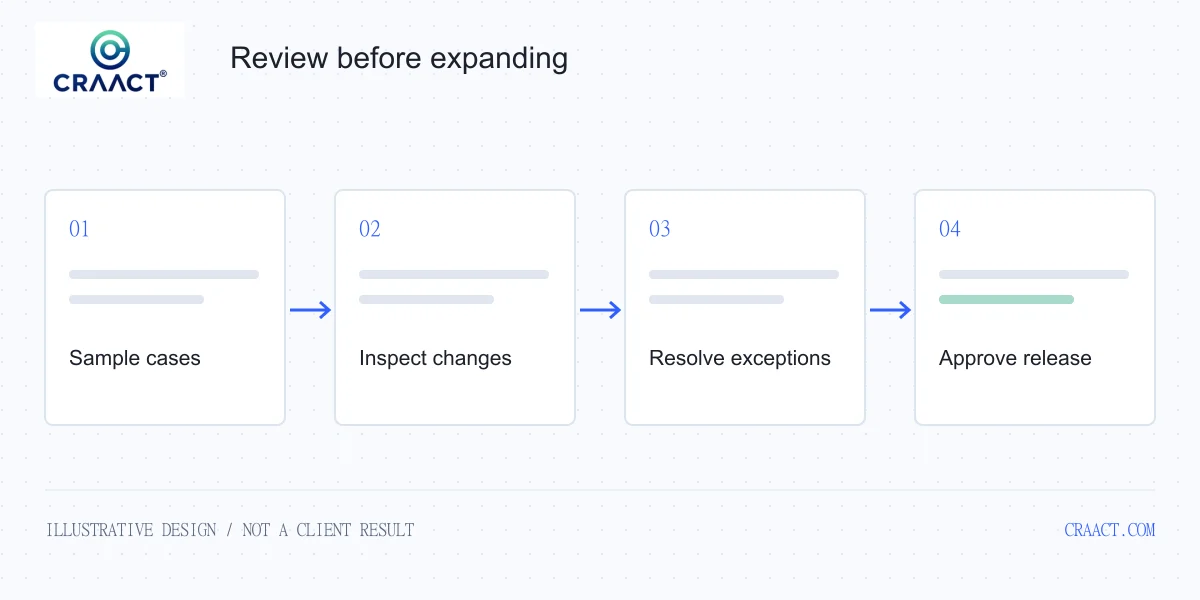
Record counts are a useful starting point, but equal totals do not prove that every row reached the correct destination. Split the result into newly created, updated, skipped, rejected and unresolved records. Investigate what each category means for the selected tool rather than assuming all non-created rows are failures.
Sample the fields and relationships that matter to the workflow. Can the intended owner see the contact? Does the correct account appear? Has an existing value been preserved where required? Can the team distinguish an imported historical opportunity from a new inquiry that requires immediate attention?
Keep a review log that explains the disposition of each exception. Assign an owner and a next step. If an unresolved row needs a source correction, make that correction in the right place and preserve its history; do not repeatedly edit the exported file without updating the source-of-truth decision.
8. Plan recovery and the first operating week
Before the production run, agree a backup or recovery approach suitable for the environment, a cutover window and a person with authority to pause. Clarify which source changes can happen during the transfer and how those changes will be reconciled. A recovery plan needs to be checked against the actual platform capabilities; it should not be an assumed promise that every import can be undone with one click.
After release, schedule a focused review of the first real workflows. Ask the team whether the record structure supports the next action and whether exceptions have a clear owner. An import that technically succeeded can still reveal confusing stage definitions or missing context. Those are adoption findings worth addressing before more automation is added.
A practical readiness checklist
- The purpose, target module and acceptance owner are written down.
- Identity and duplicate rules include ambiguous and repeated records.
- Field ownership, empty-value handling and required values are agreed.
- Relationships and source references can be reconciled.
- Automation and communication side effects have been reviewed.
- A representative sample has passed explicit acceptance checks.
- Skipped and rejected records have an accountable review path.
- Production cutover, recovery and post-launch checks are defined.
Craact can help scope a Zoho, HubSpot or custom CRM integration, connect the website inquiry journey and define testable migration requirements. For an illustrative architecture, explore the RELAY CRM design study. Start by telling us which source system, records and operating process you need to move.
Sources and scope
Product references reviewed on 19 November 2026: Zoho CRM importing data, Zoho CRM migration guidance, and Zoho CRM V8 upsert documentation. The review framework and examples are Craact's analysis, not a claim of a completed client migration or a guarantee of platform behaviour in every configuration.